
س1:- وشلون تسوون دروس فوتوشوب بالطريقة بالخطوآت ؟؟؟
^
^
^
يعني تصورونها بجوال وش ترآي أول مرررة أسجل بمنتدى
أذآ مآقدرتي تعلميني أشوف وحدة ثآنيه
س1:- وشلون تسوون دروس فوتوشوب بالطريقة بالخطوآت ؟؟؟
^
^
^
يعني تصورونها بجوال وش ترآي أول مرررة...
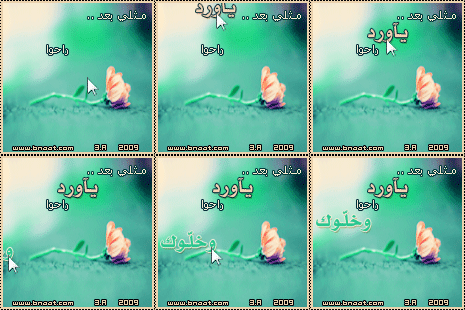

هذي اسهل لمعه في العالم كله
افتحي الصوره
وبعدين حطي طبقه جديده
من الأدوات رح تلاقي تحت اداة الفرشه اداة القلم
اختاريها وبعدين باللون الأبيض نقطي الصوره في المكان الي تبغيه يالمع
لما تخلصي روحي للأمج ريدي وبعدين حطي شريحه حركه ثانيه
واظهري طبقة اللمعه واخفيها عشان تعطيك تاثير اللمعان
وبس ياقمر
اذا ما فهمتي اصورها لك ياقمر
موفقه حياتي